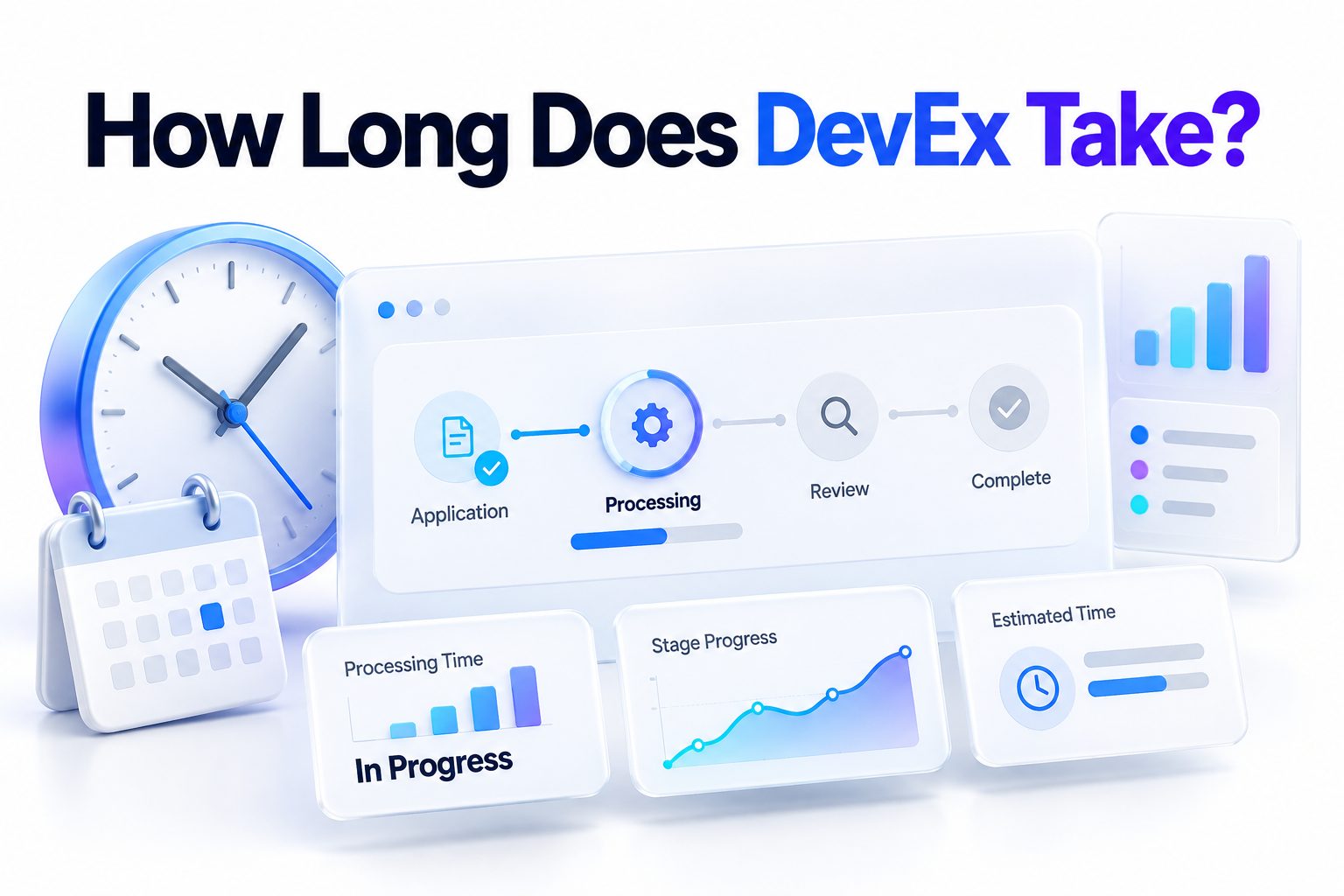
A Roblox DevEx request usually takes around five business days for a returning participant and around 10 business days for a first-time participant. These estimates cover Roblox’s review and processing period, not necessarily the entire time until money appears in your bank account. Weekends, holidays, payment-provider processing, tax checks, and inaccurate account information can extend the timeline.
So, how long does DevEx take from beginning to end? A returning creator with an accurate, established DevEx account may receive payment shortly after the five-business-day review. A first-time creator should plan for at least 10 business days, plus the time required to register in the DevEx portal and wait for the selected payment method to clear.
This article breaks down each stage of the process, explains why first-time requests take longer, and shows how to avoid common delays. You will also learn what happens to your Robux after submission, when contacting support makes sense, and what to check if an expected payment has not arrived.
The Short Answer on DevEx Processing Time
Roblox advises first-time DevEx participants to allow around 10 business days for review and processing. Returning participants should allow around five business days. These are estimates rather than guaranteed delivery dates, and DevEx requests are not processed on weekends or holidays.
The stated timeline ends when the DevEx team finishes processing the request. Your bank, PayPal, or another available payment method may need additional time to receive and clear the transfer. For that reason, the total wait can be longer than Roblox’s review estimate.
Typical DevEx Timeline at a Glance
A DevEx request passes through more than one system. Roblox first reviews the creator and the source of the Earned Robux. For a first request, the creator must also register in the DevEx portal, provide tax information, and choose a valid payment method.
Once Roblox completes its part, the payment provider and receiving financial institution handle the transfer. A request can therefore be approved without the money appearing immediately. Payment timing also varies by country, currency, banking network, and payout method.
Stage | First-Time Participant | Returning Participant
Request submission | Immediate | Immediate
Roblox review and processing | Around 10 business days | Around 5 business days
DevEx portal registration | Required after invitation | Usually already completed
Tax and payment verification | May add processing time | May require review after changes
Payment delivery | Additional time varies | Additional time varies
Estimated overall experience | Often two weeks or longer | Often one week or longer
The figures above are planning estimates, not promises. A request submitted before a weekend, public holiday, or period of heavy review activity may remain pending longer without indicating a problem.
Why First-Time DevEx Requests Take Longer
First-time requests involve onboarding tasks that returning creators have usually completed already. Roblox must assess eligibility, review the Earned Robux submitted for exchange, and invite an approved creator to create an account in the DevEx portal.
The creator then needs to enter personal, tax, and payment information. These details may require verification before a payment can be released. A mismatch involving a legal name, address, tax number, or payment account can interrupt the process and require correction.
The DevEx Portal Registration Deadline
After approval of a first request, Roblox sends an invitation from no-reply@roblox.com. The creator must register in the portal and submit a payment method and tax form within one week of receiving the registration link.
Missing that deadline does not simply pause the payment. Roblox can decline the request and return the submitted Earned Robux to the creator’s account. Checking the inbox and spam folder regularly is therefore important after a first submission.
The Role of Identity and Tax Verification
Roblox uses legal and tax information to satisfy payment and regulatory requirements. Depending on the account and circumstances, a creator may need to complete identity verification and provide a W-9 for a U.S. taxpayer or an appropriate W-8 form for a non-U.S. taxpayer.
Verification can take longer when documents are unclear, expired, inconsistent, or incomplete. The legal name entered on the cash-out request should match the identity, tax, and payment records. A nickname or another person’s details can cause a significant delay or rejection.
How Returning DevEx Requests Are Processed
Returning participants generally receive the shorter estimate of around five business days because their DevEx portal account, payment method, and tax profile are already established. Roblox still reviews every new request, including the creator’s eligibility and the validity of the Earned Robux.
A previous approval does not guarantee that the next request will be approved. Changes to account activity, payment information, tax status, or compliance history can lead to additional review. Roblox may also examine unusual earnings patterns or group payouts before releasing a payment.
A Standard Returning-Creator Timeline
A straightforward returning request normally follows these
1. The creator submits a cash-out request through the Creator Hub.
2. The selected Earned Robux are removed from the visible balance and held for review.
3. Roblox checks eligibility, account compliance, and the origin of the earnings.
4. The DevEx team approves and processes the qualifying request.
5. The payment provider sends the funds through the creator’s selected payout method.
6. The receiving bank or account completes any remaining clearance steps.
The five-business-day estimate relates primarily to Roblox’s review and processing. It should not be treated as a promise that the bank deposit will be visible by the end of the fifth business day.
Business Days Versus Calendar Days
Business days normally exclude Saturdays, Sundays, and applicable holidays. A request submitted on Friday may not begin moving through the review queue in a meaningful way until Monday. Ten business days can therefore span roughly two calendar weeks even without a delay.
Holiday periods can make the difference more noticeable. A first-time request submitted shortly before several non-processing days may take more than two calendar weeks. Counting only weekdays provides a more realistic expectation than counting every day after submission.
Practical Timing Examples
Consider a returning creator who submits a request on Monday when no holidays occur. Five business days would generally run through Friday. The payment could be processed around that point, but the creator’s bank might not display it until a later business day.
A first-time participant submitting on the same Monday should plan around 10 business days for Roblox’s review and processing. That reaches approximately the Friday of the following week. Portal registration and payment clearance may push the final receipt beyond that date.
Factors That Can Make DevEx Take Longer
Many longer waits are linked to verification rather than a technical failure. Roblox has to confirm that the request meets program rules, that the Robux qualify as Earned Robux, and that the creator remains eligible when the request is reviewed.
Payment problems can also occur after approval. Incorrect bank details, an unsupported payment route, currency conversion, compliance screening, or an intermediary bank may add time. International transfers often involve more processing steps than domestic payments.
Common sources of delay include:
- Submitting a first-ever DevEx request
- Entering a nickname instead of a legal name
- Providing incomplete or inconsistent tax information
- Using expired or unclear identity documents
- Changing the payment method shortly before cashing out
- Submitting before a weekend or holiday
- Receiving earnings from group funds that need closer review
- Having account activity that requires a compliance check
- Entering incorrect bank or payout details
- Waiting for an international or converted-currency payment
- Failing to complete portal registration within one week
A request taking longer than average does not automatically mean it has been rejected. Roblox describes its processing periods as estimates, and some requests require additional review.
DevEx Eligibility and Earned Robux Requirements
A creator must be at least 13 years old, have a Roblox-verified email address, remain in compliance with Roblox’s rules, and hold at least 30,000 Earned Robux to request a cash-out. A valid DevEx portal account and required tax documentation are also part of the process.
The word “earned” matters. Purchased Robux, gift-card Robux, subscription grants, and certain transfers do not automatically qualify for DevEx. Roblox evaluates the source of the balance and decides which Robux are eligible for exchange.
Examples of Qualifying Earnings
Earned Robux may come from legitimate creator activity such as experience passes, developer products, subscriptions, private servers, paid access, eligible avatar item sales, Creator Store sales, advertising revenue, and qualifying creator reward programs.
Group payouts may count when the group funds came from genuine, compliant earnings. Moving Robux through a group does not convert ineligible funds into Earned Robux. Roblox can review both the group’s revenue source and the recipient’s activity.
Examples of Non-Qualifying Robux
Robux purchased directly from Roblox are not creator earnings and generally cannot be exchanged through DevEx. The same applies to gift-card redemptions, monthly subscription Robux, and earnings tied to prohibited, fraudulent, or manipulated activity.
Creators should check their estimated Earned Robux balance rather than relying only on the total balance shown on the account. The DevEx dashboard estimate can also lag behind recent sales or transfers and remains subject to review.
Before submitting, use this eligibility checklist:
- You are at least 13 years old
- Your Roblox email address is verified
- You have at least 30,000 Earned Robux
- Your account follows the Terms of Use and Community Standards
- Your legal name is entered consistently
- Your tax information is current and complete
- Your payment method accepts the expected payout
- Your DevEx portal details match your official records
- Recent changes to your name, address, or payment account are reflected everywhere
For a broader explanation of creator revenue sources, see [Internal Link: How Roblox Creators Make Money].
What Happens to Robux During DevEx Review
When a creator submits a DevEx request, Roblox removes the requested amount of Earned Robux from the account balance and holds it during review. This is expected behavior and does not mean the Robux were lost or the request was instantly approved.
If Roblox rejects the request, the held Earned Robux are returned to the account. A creator should avoid submitting duplicate requests or assuming that a lower displayed balance indicates theft. The deducted amount is part of the normal cash-out workflow.
Why the Balance May Appear Unexpected
The Earned Robux estimate can take time to reflect recent sales, transfers, or payouts. Roblox notes that balance information may lag behind qualifying activity. The final decision about whether particular Robux qualify is made during the DevEx review.
Different exchange rates may also apply to balances earned during different periods. That affects the payment amount rather than the basic review timeline. Creators should read the rate information displayed during cash-out instead of calculating payment from the current rate alone.
DevEx Request Mistakes That Cause Delays
The most damaging mistakes usually involve identity details. Entering a creator name, nickname, relative’s name, or business contact that does not match the supporting records can trigger a discrepancy. Roblox expects accurate legal information on a DevEx request.
Repeatedly submitting after a name-related rejection may make the situation harder to resolve. A creator who receives a name-discrepancy notice should follow the support instructions instead of sending another request with a slightly different variation.
Do:
- Use your full legal name exactly as it appears on official records
- Review account, tax, and payment details before submitting
- Watch for the DevEx invitation email after a first request
- Complete portal registration within the stated one-week period
- Keep copies of confirmation messages and relevant transaction details
- Allow the full business-day estimate before treating the request as late
Do not:
- Use a display name or nickname on the request
- Submit tax information belonging to an unrelated person
- Assume all Robux in the account are DevEx eligible
- Change payment details repeatedly while a payment is pending
- Submit another request to correct a name discrepancy
- Attempt to exchange Robux for money outside the official program
For more preparation advice, see [Internal Link: Roblox DevEx Requirements].
How to Submit a DevEx Request Correctly
Eligible creators can begin the process through the Roblox Creator Hub. The cash-out interface is located in the financial area and becomes relevant when the creator meets the minimum Earned Robux requirement.
Review every field before confirming because a submitted request cannot normally be canceled. The Robux are removed from the balance when the request is sent, so the selected amount and personal details should be checked carefully.
1. Open the Roblox Creator Hub while signed in to the correct account.
2. Select Finances from the navigation menu.
3. Choose the Cash Out option.
4. Enter the requested personal information using your legal name.
5. Select the amount of Earned Robux to exchange.
6. Review and accept the applicable DevEx terms.
7. Submit the request and save any available confirmation.
8. For a first request, monitor the verified email address for a portal invitation.
9. Complete the tax form and payment setup within one week of receiving the invitation.
10. Wait for review based on business days rather than calendar days.
Creators can generally have one completed DevEx request per calendar month. This limit should be considered when planning cash flow, especially when creator earnings support contractors, software subscriptions, advertising, or other recurring expenses.
What to Do While a DevEx Request Is Pending
First, verify the submission date and count the elapsed business days. Exclude weekends and relevant holidays. A request that feels late in calendar days may still fall inside Roblox’s estimated review period.
Next, check the email address connected to the Roblox account, including spam, junk, and filtered folders. First-time participants should look specifically for a message from no-reply@roblox.com containing the DevEx portal invitation.
A practical pending-request checklist includes:
- Confirm the request was submitted successfully
- Record the submission date
- Count only business days
- Check the verified email inbox and spam folder
- Confirm portal registration was completed
- Review the DevEx portal for alerts or required actions
- Verify that tax information has not expired
- Check whether the payment provider requested additional documents
- Confirm the bank or payout account remains active
Avoid editing information without a clear reason while the request is being reviewed. Necessary corrections should be made, but unnecessary changes to names, addresses, tax details, or payout methods can create new verification issues.
When to Contact Roblox Support
Contacting support is reasonable when the full estimated review period has passed and there is no decision, invitation, or request for more information. A first-time participant should generally allow around 10 business days, while a returning participant should allow around five.
Before sending a support request, check whether the DevEx team has already processed the request and the delay is with the payment provider. Roblox may be unable to accelerate a bank transfer that has left its system.
Information to Prepare for Support
Provide the Roblox username, the date the DevEx request was submitted, the requested Robux amount, and a concise description of what is missing. Never send passwords or unnecessary sensitive identity data in an ordinary support message.
If the issue concerns a payment already marked as processed, include the payment reference or transaction identifier available in the portal. The financial institution may need that information to locate a delayed or returned transfer.
Roblox generally cannot provide detailed progress updates while a request is under review. Sending repeated messages before the estimated period ends is unlikely to make the review faster and may create multiple support threads for the same issue.
Approval, Payment Delivery, and Bank Processing
Approval and payment arrival are separate events. Once the DevEx team approves and processes a request, the payment must still move through the selected payment service and, in many cases, a bank. Each institution has its own posting and compliance procedures.
Some electronic payout methods may display funds quickly, while bank transfers and international payments can take additional business days. Currency conversion, beneficiary checks, local holidays, and intermediary banks may extend the wait.
A payment may also be returned if the account number, routing information, beneficiary name, or other required detail is wrong. In that situation, correcting the payment profile may be necessary before funds can be sent again.
Practical DevEx Timing Scenarios
A returning creator submits on Tuesday, has unchanged payment details, and no holidays occur. Roblox’s five-business-day estimate extends into the following Monday. If the bank needs two more business days, the money might appear around Wednesday.
A first-time creator submits on a Thursday. The 10-business-day review crosses two weekends, placing the estimated processing point around the second Wednesday afterward. Portal registration and bank handling could extend the total experience into a third calendar week.
A creator submits shortly before a major holiday period and receives a portal request for corrected tax information. In that case, the standard estimate may no longer describe the actual timeline. The request depends on both the creator’s response and the completion of the additional verification.
These examples show why there is no single guaranteed number of calendar days. The most useful approach is to separate Roblox review time, creator action time, and payment-delivery time.
Conclusion
For planning purposes, allow around 10 business days for a first DevEx request and around five business days for a returning request. Then leave room for the payment provider or bank to deliver the funds. Weekends and holidays do not count toward Roblox’s processing estimates.
The most reliable answer to how long does DevEx take depends on where the request is in the process. Roblox may still be reviewing eligibility, a first-time creator may need to finish portal registration, or an approved payment may be moving through a bank. Each stage has a separate source of delay.
Accurate legal, tax, and payment information gives a request the best chance of moving without interruption. First-time participants should monitor their verified email address and complete portal registration within one week of receiving the invitation. Returning creators should make sure previously supplied information remains current.
If the full estimate has passed, check the portal and payment method before contacting support. A concise request containing the submission date, username, and relevant transaction details will make the issue easier to investigate.
Frequently Asked Questions
Does DevEx process on weekends?
No. Roblox states that DevEx requests are not processed on weekends or holidays. A request submitted late in the week may appear inactive until the next business day, so calculate the estimated review period using weekdays only.
Why is my DevEx request still pending?
The request may require additional eligibility, earnings, identity, tax, or compliance review. It may also still be within the estimated business-day period. Check your verified email and DevEx portal for actions or document requests.
How long does a first DevEx payout take?
Roblox recommends allowing around 10 business days for first-time review and processing. Portal registration and payment delivery can add more time, so the complete process may last two calendar weeks or longer.
How long does returning DevEx take?
Returning DevEx participants should generally allow around five business days for Roblox to review and process a request. The receiving bank or payout service may need additional time before the funds become available.
Can I cancel a pending DevEx request?
No. Roblox states that a DevEx request cannot be canceled after submission. The requested Earned Robux remain held during review and are returned to the account if Roblox rejects the cash-out request.