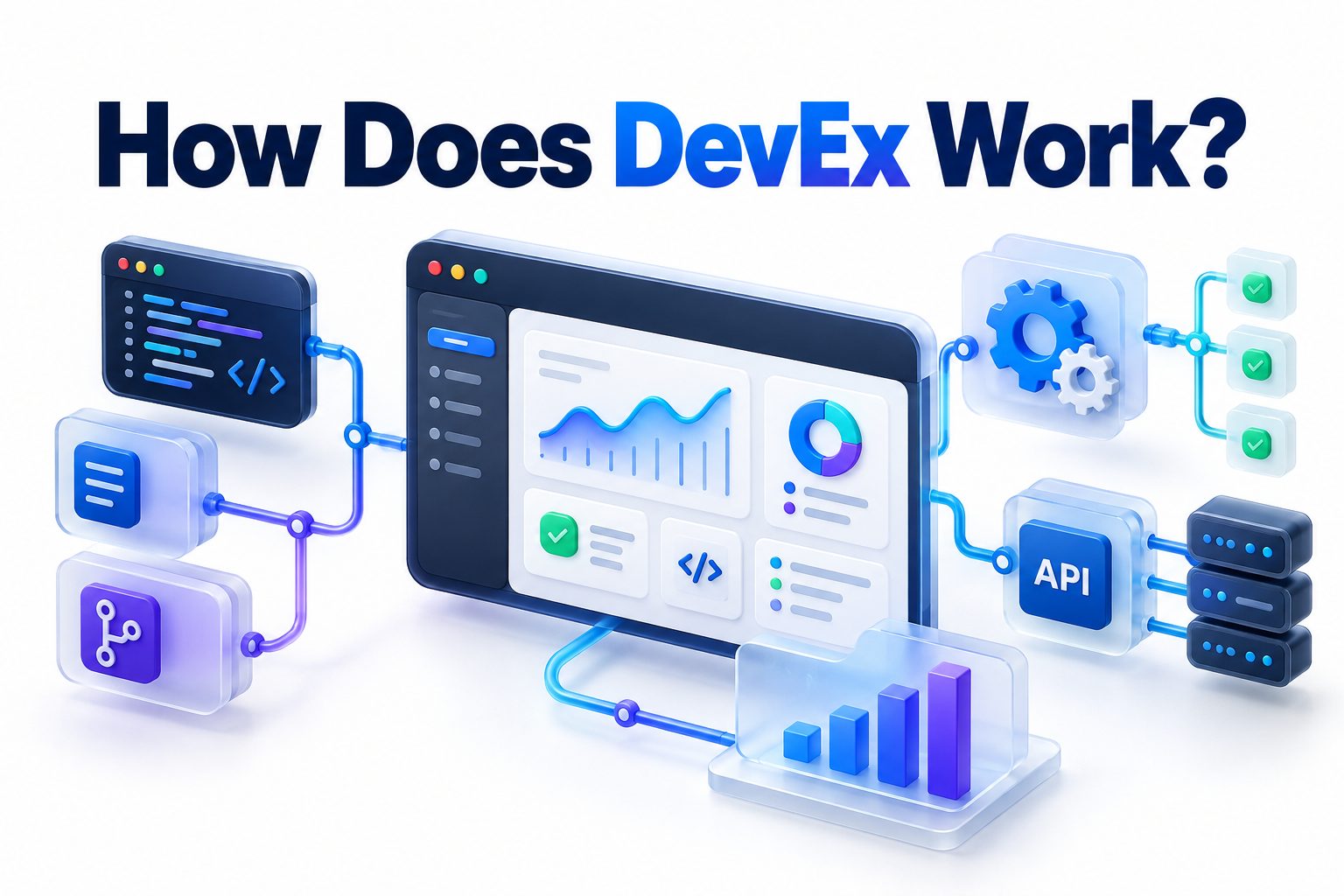
Roblox DevEx is the system that allows eligible creators to exchange Earned Robux for real-world money. The short answer to “how does DevEx work” is that you create value on Roblox, accumulate qualifying Robux, meet the program requirements, submit a cash-out request, complete tax and payment information, and wait for Roblox to review the transaction.
The distinction between ordinary Robux and Earned Robux is crucial. Buying Robux, receiving a Premium membership grant, redeeming a gift card, or trading collectible items does not automatically create a cashable balance. Roblox generally wants DevEx payments to represent legitimate revenue generated through original creator activity.
Eligible creators must be at least 13 years old, have a verified email address, maintain a valid DevEx portal account, provide the required tax documentation, follow Roblox policies, and hold at least 30,000 Earned Robux. Meeting those basic conditions lets you request a review; it does not guarantee approval.
This article explains which Robux qualify, how exchange rates affect payments, how to submit a request, why requests may be rejected, and what creators should consider before treating Roblox development as a source of income.
What Roblox DevEx Is
DevEx stands for Developer Exchange. It is Roblox’s official program for converting qualifying creator earnings into local currency. The program supports developers, designers, modelers, artists, and other eligible creators who earn Robux by producing legitimate content or services within the Roblox ecosystem.
DevEx is not an open currency exchange where any user can sell Robux. Roblox reviews both the account and the source of the submitted Robux. This protects the platform from fraud, unauthorized real-money trading, account theft, artificial transactions, and other attempts to turn illegitimate balances into cash.
The Basic DevEx Money Flow
A player usually purchases Robux from Roblox and spends that Robux on an experience, product, pass, subscription, private server, or eligible creator item. After platform fees and any applicable pending period, the creator receives a share of the transaction as Earned Robux.
Once the creator has enough qualifying Robux, they can request a DevEx cash-out. Roblox deducts the requested balance, reviews the account and earnings, and sends the approved payment through its payment provider. Tax reporting and payment-processing requirements also apply.
Important facts about the process include:
- Roblox pays creators for eligible Earned Robux, not every Robux visible in an account.
- The minimum cash-out threshold is 30,000 Earned Robux.
- Each request is reviewed separately.
- Roblox may examine where group funds originated.
- Submitted Robux are held while the request is reviewed.
- Rejected requests normally result in the submitted Robux being returned.
- Exchange rates, eligibility rules, and payment options can change.
- DevEx payments may create tax obligations in the creator’s country.
What Counts as Earned Robux
Earned Robux generally comes from creating something valuable for players or other creators. Common sources include developer products, experience passes, paid access, subscriptions, private servers, eligible advertising revenue, Creator Rewards, avatar items, and qualifying Creator Store sales.
Roblox may also recognize legitimate group payouts when the group earned its funds through compliant creator activity. A group payout does not make questionable Robux legitimate. Roblox can trace the underlying source and reject funds connected to scams, copied content, artificial purchases, or policy violations.
Experience Monetization Revenue
An experience can generate Earned Robux through products that players buy repeatedly, such as consumable boosts, currency packs, temporary abilities, or revives. Passes typically provide lasting benefits, while subscriptions can deliver recurring benefits for as long as a player remains subscribed.
Paid private servers and paid access may also generate qualifying earnings. Creator Rewards can compensate developers for eligible engagement or audience activity. The precise reward programs and calculations can evolve, so creators should review current Creator Hub information when planning a monetization strategy.
Marketplace and Creator Store Earnings
Creators may earn qualifying Robux by selling original avatar items or eligible assets, models, and plugins. Platform commissions differ by product type, which means the amount a customer spends is not necessarily the amount credited to the creator.
Reselling an item made by someone else is treated differently from earning revenue as its original creator. Robux from trading or reselling collectible items generally does not qualify simply because the transaction produced a profit. Ownership, originality, and the revenue source all matter during review.
Robux That Does Not Qualify for DevEx
Purchased Robux is not Earned Robux. If you buy 30,000 Robux directly, you cannot simply submit that balance to DevEx. The same principle applies to Robux received through gift cards or recurring Robux included with a Roblox Premium membership.
Trading profits, unauthorized real-money transactions, and proceeds connected to deceptive activity are also ineligible. Roblox may reject revenue from copied experiences, template projects without legitimate visitors, fraudulent purchases, or content removed for violating platform rules. Moving funds through a group does not conceal their origin.
A practical comparison makes the distinction clearer:
| Robux source | Usually eligible for DevEx | Important condition |
|—|—:|—|
| Developer product sales | Yes | Sales must be legitimate and policy-compliant |
| Experience pass sales | Yes | The experience and transactions must be genuine |
| Experience subscriptions | Yes | Only the eligible creator revenue qualifies |
| Paid private servers | Yes | Platform fees and applicable rules still apply |
| Creator Rewards | Yes | Earnings must come from an eligible reward program |
| Original avatar item sales | Yes | Marketplace requirements and commissions apply |
| Qualifying group payouts | Sometimes | The group funds must come from valid earnings |
| Directly purchased Robux | No | Buying Robux does not create creator revenue |
| Premium membership Robux | No | Monthly membership grants are not Earned Robux |
| Gift card Robux | No | Redeemed balances are purchased currency |
| Trading or resale profits | Generally no | Reselling items does not qualify as original creation |
| Unauthorized Robux sales | No | Off-platform currency sales violate DevEx rules |
DevEx Eligibility Requirements
A creator must be at least 13 years old and hold a minimum of 30,000 Earned Robux to request a cash-out. The account must also have a Roblox-verified email address and remain compliant with the Terms of Use, Community Standards, and DevEx program rules.
Participants need a valid DevEx portal account and must provide an appropriate tax form. U.S. taxpayers generally submit Form W-9, while non-U.S. participants commonly submit a version of Form W-8. Roblox or its payment provider may request identity or payment verification as part of compliance checks.
Eligibility Is Reviewed at Cash-Out
Meeting the visible requirements does not produce automatic approval. Roblox reviews eligibility after a request is submitted and can consider account behavior, moderation history, transaction sources, group activity, identity information, and compliance with program rules.
A previous approval is not a permanent guarantee. Each later request may be reviewed again, and new information can affect the outcome. A past moderation action also does not always result in rejection; its seriousness, relevance, and timing may influence Roblox’s decision.
How to Submit a DevEx Request
The request process starts in Roblox Creator Hub. Before submitting, confirm that your legal name, email address, tax status, country, and payment information are consistent. Correcting conflicting identity details after a rejection can require help from Roblox Support and may delay payment.
You must also decide how many eligible Robux to exchange. The amount must meet the minimum threshold and cannot exceed the qualifying balance available for review. The DevEx dashboard provides an estimate, but Roblox retains final authority over how much of the balance qualifies.
Cash-Out Steps
1. Sign in to Roblox and open Creator Hub using the account that holds the Earned Robux.
2. Select Finances from the Creator Hub navigation.
3. Review the estimated Earned Robux balance and confirm that you meet the current minimum.
4. Select the Cash Out option to open the Developer Exchange form.
5. Enter your legal information exactly as it appears on your official records and payment account.
6. Specify the amount of Earned Robux you want to exchange.
7. Read and accept the current DevEx terms and submit the request.
8. Watch the verified email address connected to your account for approval messages or requests for information.
9. If this is your first approved request, follow the DevEx portal invitation promptly.
10. Add the required tax form and payment method, then monitor the request until processing is complete.
First-Time DevEx Registration
A first-time participant typically receives an invitation to create or activate a DevEx portal account after Roblox initially approves the request. The registration link has a deadline. Failing to complete the portal setup within the stated period can cause the request to be declined.
The portal collects payment, identity, and tax information. Use your legal name rather than a Roblox display name, nickname, relative’s name, or business name that does not match the account arrangement. Even a minor discrepancy can trigger additional verification or rejection.
How the DevEx Exchange Rate Works
The standard DevEx rate is currently $0.0038 per eligible Earned Robux. At that rate, 30,000 Earned Robux converts to $114 before taxes, banking costs, currency conversion charges, or other deductions that may apply to the recipient.
This cash-out value is different from the price players pay to purchase Robux. The purchase price includes costs such as app-store fees, payment processing, platform operations, hosting, safety systems, and Roblox’s share. A creator therefore cannot compare the retail purchase price with DevEx value as though they were the same transaction.
Standard Rate Examples
The following examples use the standard rate of $0.0038 per
| Earned Robux exchanged | Estimated gross payment |
|—:|—:|
| 30,000 | $114 |
| 50,000 | $190 |
| 100,000 | $380 |
| 250,000 | $950 |
| 500,000 | $1,900 |
| 1,000,000 | $3,800 |
These are gross estimates rather than promises of the final amount deposited. Older balances may use a historical rate, and eligible earnings covered by a special rate may be calculated differently. Exchange rates are set by Roblox and can be revised.
The U.S. 18-Plus DevEx Rate
Roblox also offers a higher rate of $0.0054 for certain eligible earnings. It does not apply to every creator, every player purchase, or an experience’s complete Robux balance. It applies to specified purchases from U.S. players who have verified that they are at least 18.
Qualifying transaction categories include eligible developer products, passes, subscriptions, and private servers in experiences that satisfy Roblox’s program requirements. Roblox conducts compliance checks on eligible experiences. Creators should treat this as transaction-specific revenue rather than assuming their whole account receives the higher rate.
Older Earned Robux Balances
Robux earned before a rate change may retain the exchange rate associated with that earning period. For example, eligible balances from before the standard rate changed on September 5, 2025, may cash out at the previous $0.0035 rate.
Roblox generally applies older qualifying balances before newer ones when processing DevEx requests. Spending Robux does not necessarily erase the older rate category. The dashboard and final review determine which portions of a cash-out receive each applicable rate.
Before estimating a payment:
- Separate standard-rate earnings from any special-rate earnings.
- Account for older Robux that may retain a historical rate.
- Use the Earned Robux estimate rather than the total account balance.
- Allow for taxes and possible payment or currency-conversion costs.
- Check the current DevEx documentation before making financial commitments.
- Keep your own revenue records instead of relying only on the dashboard.
What Happens After Submission
Roblox removes the requested Earned Robux from the visible account balance when the cash-out request is submitted. This does not mean the Robux has vanished or that payment has already been approved. The amount is held while the DevEx team reviews the request.
Roblox estimates that first-time participants may need around 10 business days for review and processing. Returning participants may receive processing in around five business days. Weekends, holidays, identity checks, payment-provider processing, and bank transfer times can extend the total wait.
Approval and Payment
When a request is approved, payment is processed through the DevEx portal using the participant’s selected method. Available payment methods and processing costs can vary by country. A bank or payment provider may need additional time after Roblox completes its part.
Currency conversion may also affect what arrives in a local account. A payment calculated in U.S. dollars can be converted at the provider’s rate, potentially with a fee. Creators should record the gross payment, applicable charges, conversion amount, and final deposit for bookkeeping.
Rejection and Refunded Robux
If Roblox rejects the request, the held Robux is generally returned to the account. A rejection does not necessarily mean the balance will qualify after an immediate resubmission. The creator should identify and resolve the underlying problem first.
A name discrepancy is a good example. Submitting the same incorrect information again is unlikely to help and may complicate the review. The safer response is to contact Roblox Support, provide the requested verification, and wait for instructions before making another request.
Common Reasons DevEx Requests Are Rejected
Requests may fail because the account lacks enough qualifying Earned Robux, even when its total balance exceeds 30,000. Funds could include purchased Robux, membership grants, trading proceeds, questionable group payments, or earnings that have not yet appeared in the dashboard.
Incomplete portal registration is another common cause. Missing tax forms, an unsupported or unverified payment method, conflicting legal names, and failure to act before the registration deadline can all stop a first request from moving forward.
Account and Revenue Problems
Roblox can reject a request when it finds scamming, account theft, artificial sales, unauthorized real-money trading, misleading content, or attempts to exploit platform features. Revenue tied to a moderated experience or invalid transactions may also be excluded.
Group developers need to be especially careful. Receiving Robux from a group is not enough by itself; the group must have earned those funds legitimately. Maintain agreements and payout records so collaborators can explain their compensation and the revenue’s origin.
Common mistakes to avoid include:
- Treating the total Robux balance as the cashable balance
- Buying Robux to reach the 30,000 threshold
- Entering a nickname instead of a legal name
- Ignoring the first-time portal invitation
- Missing the deadline to submit tax and payment details
- Using someone else’s tax or payment information without a valid arrangement
- Accepting unexplained group payouts
- Attempting to sell Robux outside the official DevEx program
- Assuming a prior approval guarantees the next request
- Building financial plans around a payment before approval
Taxes, Records, and Business Considerations
DevEx income may be taxable, even if Roblox or its payment provider does not withhold tax from every payment. The correct treatment depends on your country, age, income, legal structure, expenses, and local reporting rules. Minors may need help from a parent or guardian.
Keep records of DevEx requests, portal statements, bank deposits, exchange rates, platform fees, contractor payments, and business expenses. For larger or recurring revenue, speak with a qualified tax professional rather than relying on informal advice from creator communities.
Revenue Is Not the Same as Profit
A successful experience can still cost more to operate than it earns. Development tools, advertising, commissioned art, audio, scripting, moderation, community management, and contractor payments can reduce the creator’s actual profit.
Robux spent on platform advertising or development is also economically significant, even when it does not appear as a cash expense. A useful [Internal Link: Roblox Game Monetization Strategies] can help creators compare revenue models and budget around player acquisition, retention, and content updates.
Working With a Team
Teams should agree in writing on ownership, group roles, payout percentages, recurring distributions, and what happens when someone leaves. An informal promise in chat can become difficult to interpret once an experience begins generating meaningful revenue.
Group payouts may qualify when they represent a legitimate share of genuine group earnings. Avoid moving unrelated Robux through a group merely to make it appear earned. Roblox can review the original transactions rather than treating the final transfer as proof of eligibility.
A basic creator recordkeeping checklist includes:
- Monthly experience revenue reports
- Group payout history
- Contractor invoices and agreements
- Advertising and production expenses
- DevEx submission confirmations
- DevEx portal payment statements
- Tax forms and identity records
- Bank deposit and conversion details
- Ownership and revenue-share agreements
- Documentation for disputed or refunded transactions
Ways to Earn DevEx-Eligible Robux Responsibly
Strong monetization starts with an experience people genuinely want to play. Products should support the gameplay rather than pressure players through confusing prices, artificial friction, or misleading prompts. Clear descriptions and reliable delivery reduce disputes and help protect revenue quality.
A balanced catalog may include permanent passes, repeat-purchase developer products, optional subscriptions, and private servers. The right mix depends on the experience. A competitive game, social space, role-playing experience, and single-player adventure will not monetize in the same way.
Match Products to Player Needs
Developer products suit repeatable purchases such as consumables, boosts, and additional attempts. Passes are better for durable privileges. Subscriptions make sense when the creator can provide recurring value, while private servers work well for communities that want controlled sessions.
Price testing should focus on player behavior, retention, and satisfaction rather than immediate sales alone. Aggressive monetization can increase short-term purchases while damaging reviews and return visits. Sustainable earnings usually come from a healthy player base.
Treat Security as Revenue Protection
Enable strong account security, control group permissions, and restrict access to publishing and financial tools. A compromised account can expose an experience, group funds, and DevEx eligibility. Team members should receive only the permissions necessary for their roles.
Review scripts, plugins, models, and collaborators carefully. Malicious or poorly secured assets can create unauthorized purchases, backdoors, or policy violations. [Internal Link: Roblox Account and Game Security] is a useful companion topic for teams handling significant creator revenue.
DevEx Alternatives and Limitations
DevEx is the official route for turning Earned Robux into cash, but not every Roblox creator needs to cash out immediately. Robux can also be reinvested into advertising, sponsored exposure, development assets, or other eligible platform expenses.
Reinvestment carries risk. Advertising does not guarantee profitable user acquisition, and purchasing assets does not guarantee a successful release. Creators should test with controlled budgets, track results, and avoid spending money needed for taxes or contractor obligations.
Direct Payments Outside Roblox
Some teams pay contractors directly in ordinary currency instead of using group payouts. That approach can simplify compensation for people who do not want Robux, but it creates separate accounting, contractual, tax, and payment responsibilities.
Selling Robux privately is not a legitimate alternative to DevEx. Unauthorized currency exchanges can expose creators to scams, stolen funds, account penalties, and permanent loss of program access. Use Roblox’s approved systems for Roblox-related currency transactions.
Practical DevEx Tips for Creators
Track estimated Earned Robux regularly, but remember that dashboard figures can lag behind recent transactions. A delay of up to 24 hours may occur before some sales or transfers appear. Pending revenue and estimated eligible revenue should not be treated as money already received.
Plan cash flow conservatively. DevEx has a minimum threshold, review period, payment-processing time, and a limit on completed cash-outs. Roblox generally permits one completed DevEx request per calendar month, so frequent small withdrawals are not an option.
Useful practices include:
- Verify your email before reaching the cash-out threshold.
- Keep your legal identity information consistent across every system.
- Prepare tax documentation before the first request.
- Review group income before accepting a large payout.
- Save copies of payment and transaction records.
- Separate business and personal records where practical.
- Avoid promising contractors payment from an unapproved request.
- Recheck current rates before calculating expected revenue.
- Contact official support when a rejection involves identity details.
- Treat compliance and account security as part of financial management.
Conclusion
Roblox DevEx converts legitimate creator earnings into real-world money, but it is more selective than a basic Robux withdrawal system. A creator must accumulate at least 30,000 Earned Robux, meet the age and account requirements, provide accurate tax and payment information, and remain compliant with Roblox policies.
The source of the balance matters as much as its size. Revenue from qualifying experience purchases, subscriptions, original items, Creator Store products, rewards, and legitimate group payouts may count. Purchased Robux, membership grants, gift cards, trading profits, and unauthorized transactions generally do not.
When asking how does DevEx work, the most useful way to view it is as a reviewed creator-payment process: earn qualifying Robux, verify eligibility, submit through Creator Hub, complete the DevEx portal requirements, and wait for approval. Current exchange rates determine the gross payment, while taxes, historical balances, special-rate transactions, and payment fees can affect the final result. Keep accurate records, protect your account, and verify the latest official terms before submitting or making financial plans.
Frequently Asked Questions
Can purchased Robux be used for DevEx?
No. Robux bought directly, obtained from gift cards, or received through a Premium membership grant does not qualify as Earned Robux. DevEx is intended for legitimate revenue generated by creators through eligible Roblox activities.
What is the minimum DevEx cash-out?
The minimum is 30,000 Earned Robux. Your total balance may be higher while your eligible balance remains below the threshold, because purchased Robux, trading proceeds, and other nonqualifying funds are excluded.
How long does a DevEx payment take?
First-time requests may take around 10 business days to review and process, while returning participants may take around five. Bank processing, weekends, holidays, verification checks, and incomplete portal details can extend the wait.
Can group payouts qualify for DevEx?
Yes, legitimate group payouts can qualify when the group funds came from valid creator earnings. Roblox may examine the original revenue source, so transferring purchased, fraudulent, or otherwise ineligible Robux through a group does not make it eligible.
Why did my Robux disappear after requesting DevEx?
Roblox holds the requested Earned Robux while reviewing your cash-out. An approved request proceeds to payment processing. If the request is rejected, the held Robux is generally returned to your Roblox account.